
Superbuy spreadsheet Find the right fit
Browse 14 product categories in KA Spreadsheet. Compare seller listings, check how the sizes are measured, and save the options that fit before ordering through Superbuy.
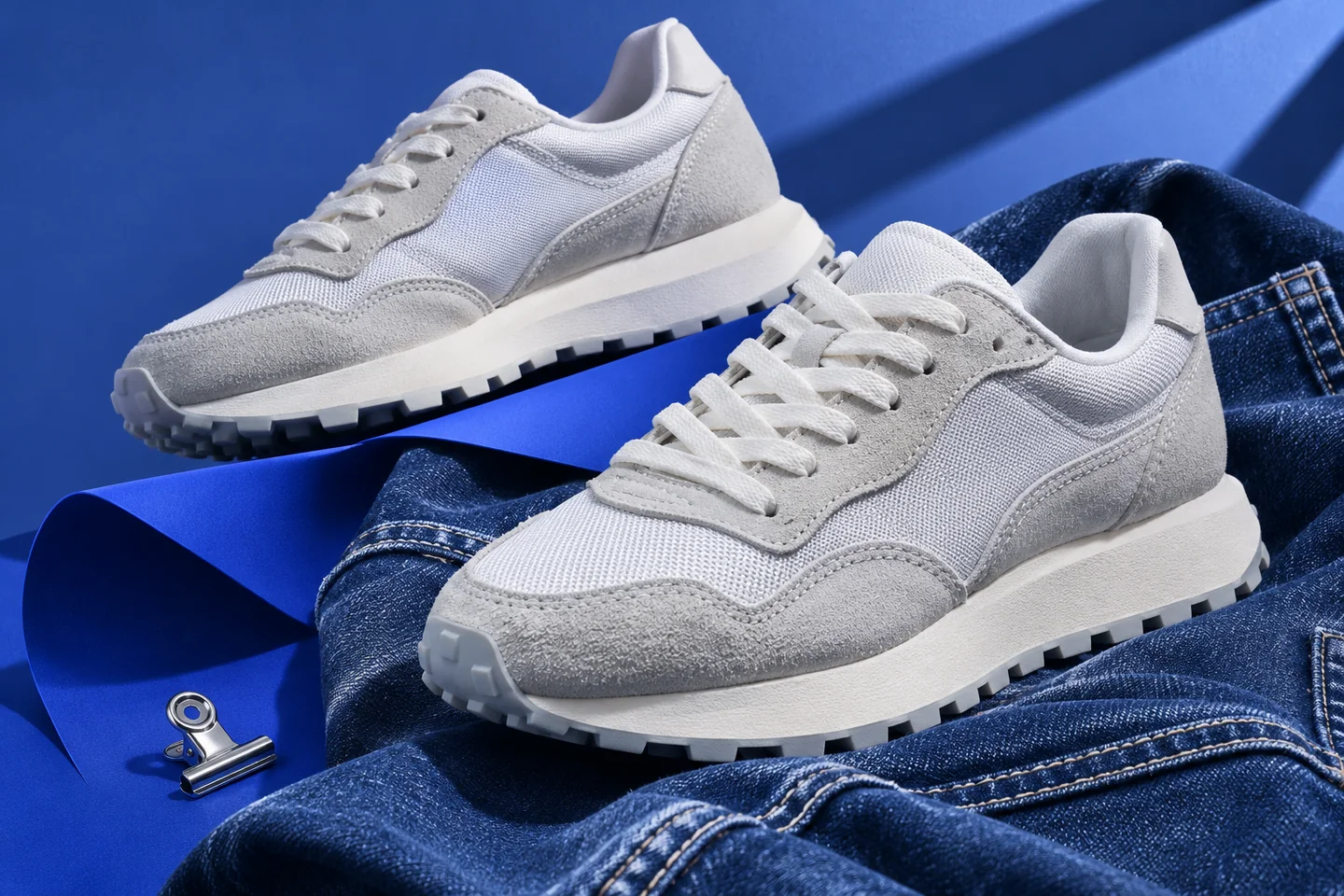
Shop by category
Open a category in KA Spreadsheet. Use the tip under each link to decide which detail to save from the seller’s listing.
-
Shoes
Use a shoe with a similar toe shape as your reference. Save the insole length and any width measurement.
-
Hoodies/Sweaters
For dropped shoulders, compare the distance from the neck to the cuff to gauge where the sleeve will end.
-
T-Shirts
Measure straight across the chest just below the armholes. Note whether the listing describes a close or oversized fit.
-
Jackets
Try on your reference jacket over the layers you plan to wear, then measure it flat. Check whether the listing has adjustable cuffs or hem.
-
Pants/Shorts
Measure the thigh just below the crotch seam and note the leg opening. Both affect how a pair hangs.
-
Headwear
Find the adjustment range for a cap, or check the depth of the crown if hats tend to sit high on you.
-
Sets
Ask whether you can choose separate sizes for the top and bottom, then save a measurement for each piece.
-
underwear/underpants
Compare the relaxed waistband with a pair you own. Check the fabric composition if stretch affects your choice.
-
Jersey
Compare chest width and hem length with a jersey you wear, particularly if you plan to layer it.
-
Accessories
Check photos of the clasp or fastener and note the listed materials if the item will touch your skin.
-
Bags
Measure the object you need to carry. Check the opening width and usable pocket dimensions before choosing.
-
Belts
Check the distance from the buckle to the middle hole and make sure the strap width fits your belt loops.
-
Perfumes
Confirm the volume and concentration on the exact listing. Ask Superbuy about shipping eligibility before buying.
-
Other Stuff
Open the option selector and check what is included. Save the dimensions of any parts that need to fit together.
Compare two listings before you buy
Start with something you already wear. Measure it once, then use those numbers for every listing you compare.
Pick a reference you wear
Lay a similar garment flat and measure the chest, length, or inseam. Measure from the same points shown on the seller’s chart. Convert inches to centimeters by multiplying by 2.54 if needed.
Check the exact option
Open the original listing and select the color and size you want. Compare the measurements, material, and photos for that option. Ask the seller for the missing number if the chart is unclear.
Decide with the full listing in view
Check recent item reviews and the seller’s return conditions. Note the original price and any conversion to US dollars, then save the seller link for the option you want to order through Superbuy.
Keep a note for each option
Save the original seller link, selected option, measured dimensions, date checked, and item price in its original currency. Add a question to ask the seller when a measurement or detail is missing.
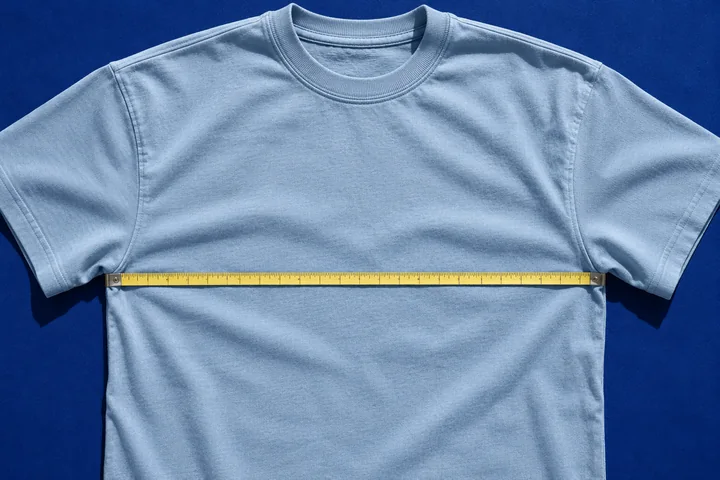
Compare chest widths
Lay a shirt you own flat and measure straight across from armpit to armpit. Use the seller’s flat chest width in centimeters. If the chart gives the full garment chest circumference, divide it by two.
Superbuy spreadsheet questions
Where do the category buttons take me?
They open KA Spreadsheet. From there, open the seller’s original listing to verify the exact item, option, price, and availability before copying the link to Superbuy.
Why does my usual size look different on the seller’s chart?
Sizing can vary by seller and cut. A size chart may give body measurements, full garment circumference, or flat width. Confirm which one the chart uses before comparing it with your reference garment.
Which seller should I choose if both options fit?
Compare evidence for the exact variants, including customer photos, recent reviews that mention the item, and the seller’s return conditions. Save the listing with the clearest dimensions and ask about any important detail that remains unclear.